> ## Documentation Index
> Fetch the complete documentation index at: https://docs.sherloqdata.io/llms.txt
> Use this file to discover all available pages before exploring further.
# Actions Bar
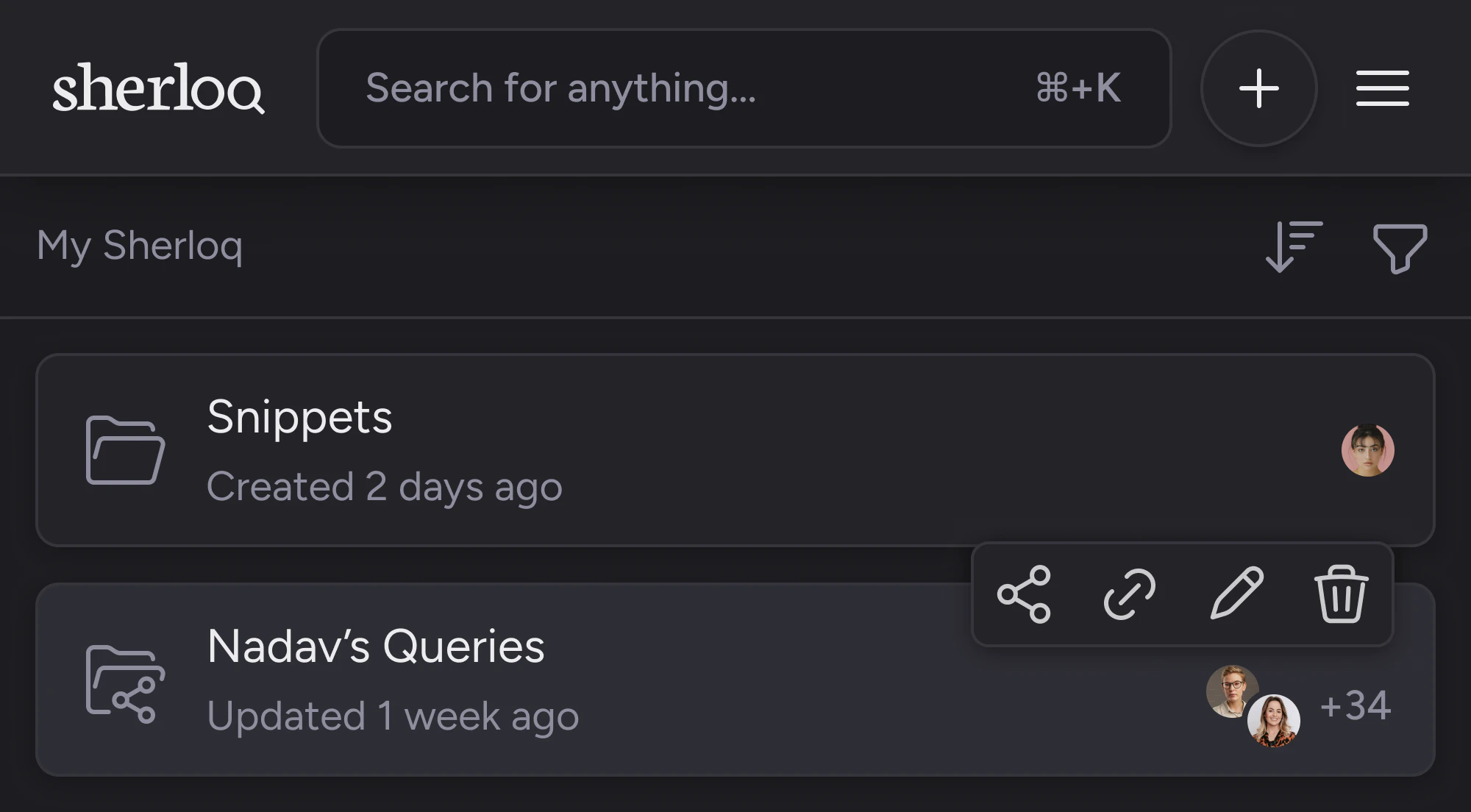
By hovering over a folder, an action bar will appear with the following options:
* \*\* Copy folder link\*\*
* **Share folder**
* **Edit folder**
* **Remove folder**
 Copying the link will only allow users with the necessary permissions to access the folder. You can read more about this in the [permissions section](/permissions).
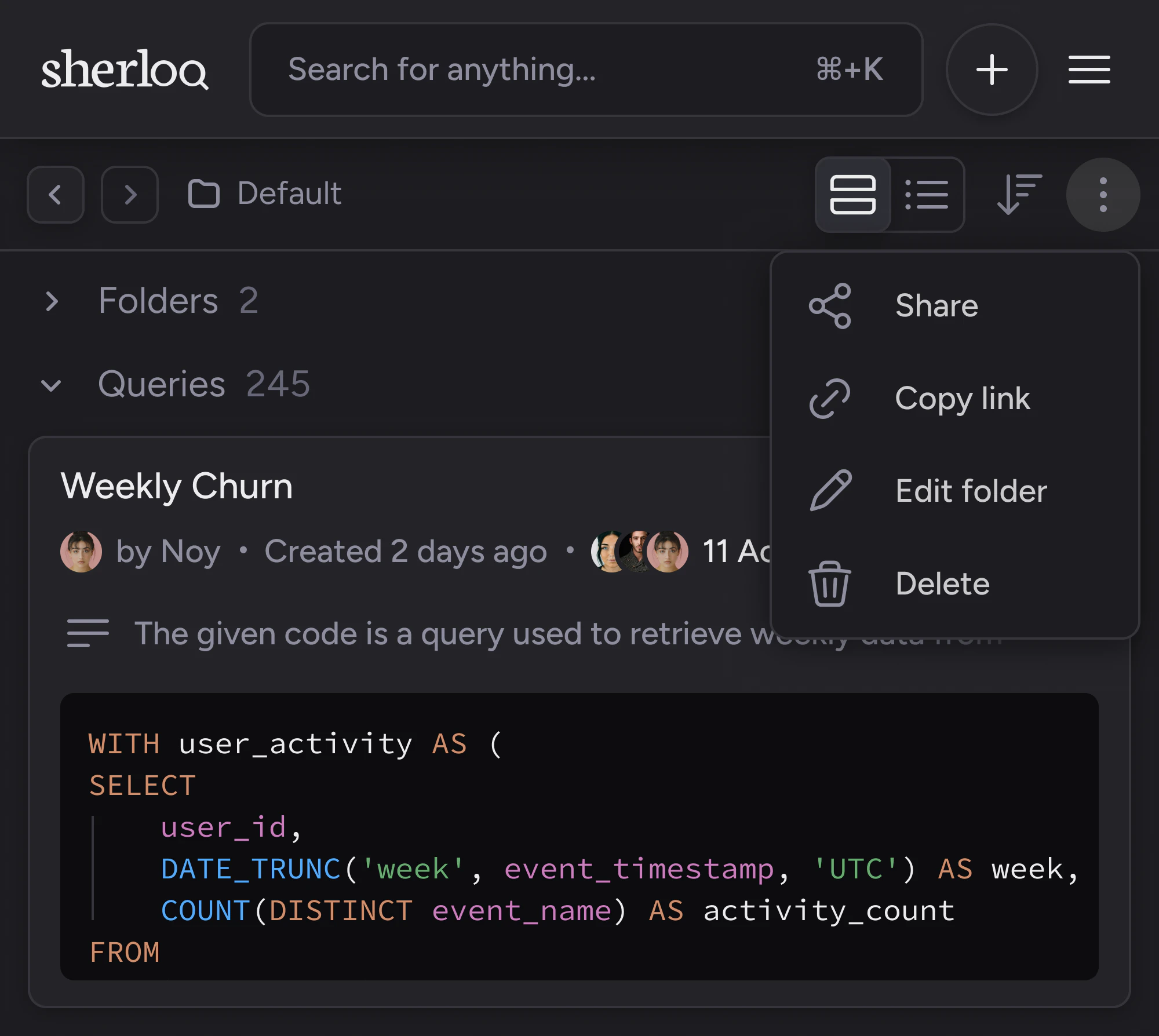
Additionally, you can access these actions by clicking on the folder and then selecting the three dots to open the menu.
Copying the link will only allow users with the necessary permissions to access the folder. You can read more about this in the [permissions section](/permissions).
Additionally, you can access these actions by clicking on the folder and then selecting the three dots to open the menu.