> ## Documentation Index
> Fetch the complete documentation index at: https://docs.sherloqdata.io/llms.txt
> Use this file to discover all available pages before exploring further.
# Folders Types
The Sherloq repository is organized into folders, where each folder can contain subfolders and queries.
**Common use cases for folders include:**
* **Projects**
* **Product Features**
* **Onboarding**
* **SQL Syntax**
* **Teams**
* **Best Practices and Common Queries**
 ## Folders Types
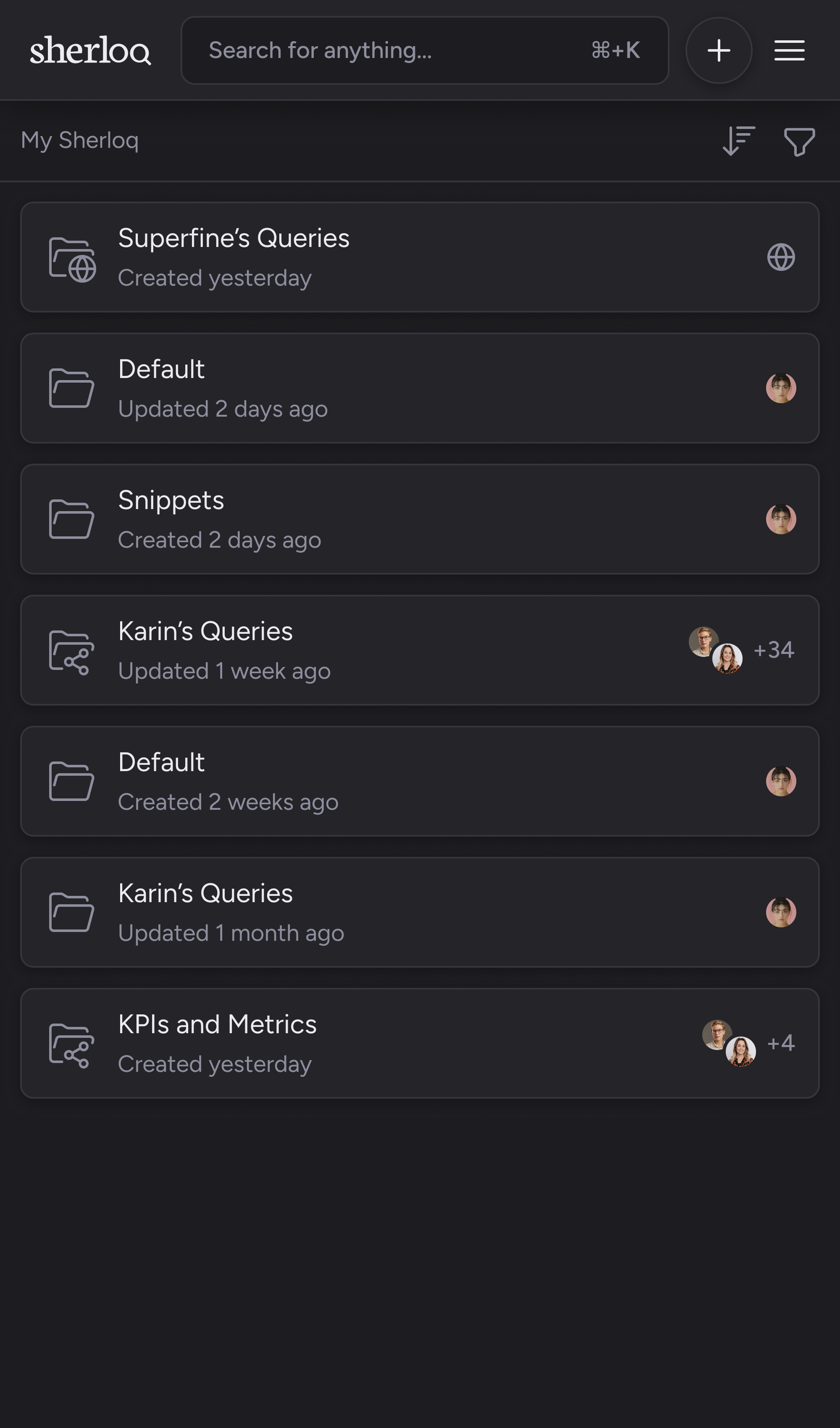
There are 3 types of folders:
1. **Personal**: All subfolders and queries will be visible only to you.
2. **Shared with members or teams**: Share the folder by adding specific members or teams.
3. **Public:** Anyone in your company (with the same email domain) can see this folder, including its subfolders and queries.
[Folder's permissions](/permissions) apply to all subfolders. Setting permissions for the root folder will affect all its subfolders.
For more information about team management, [see more here](/team_management)
## Folders Types Filter
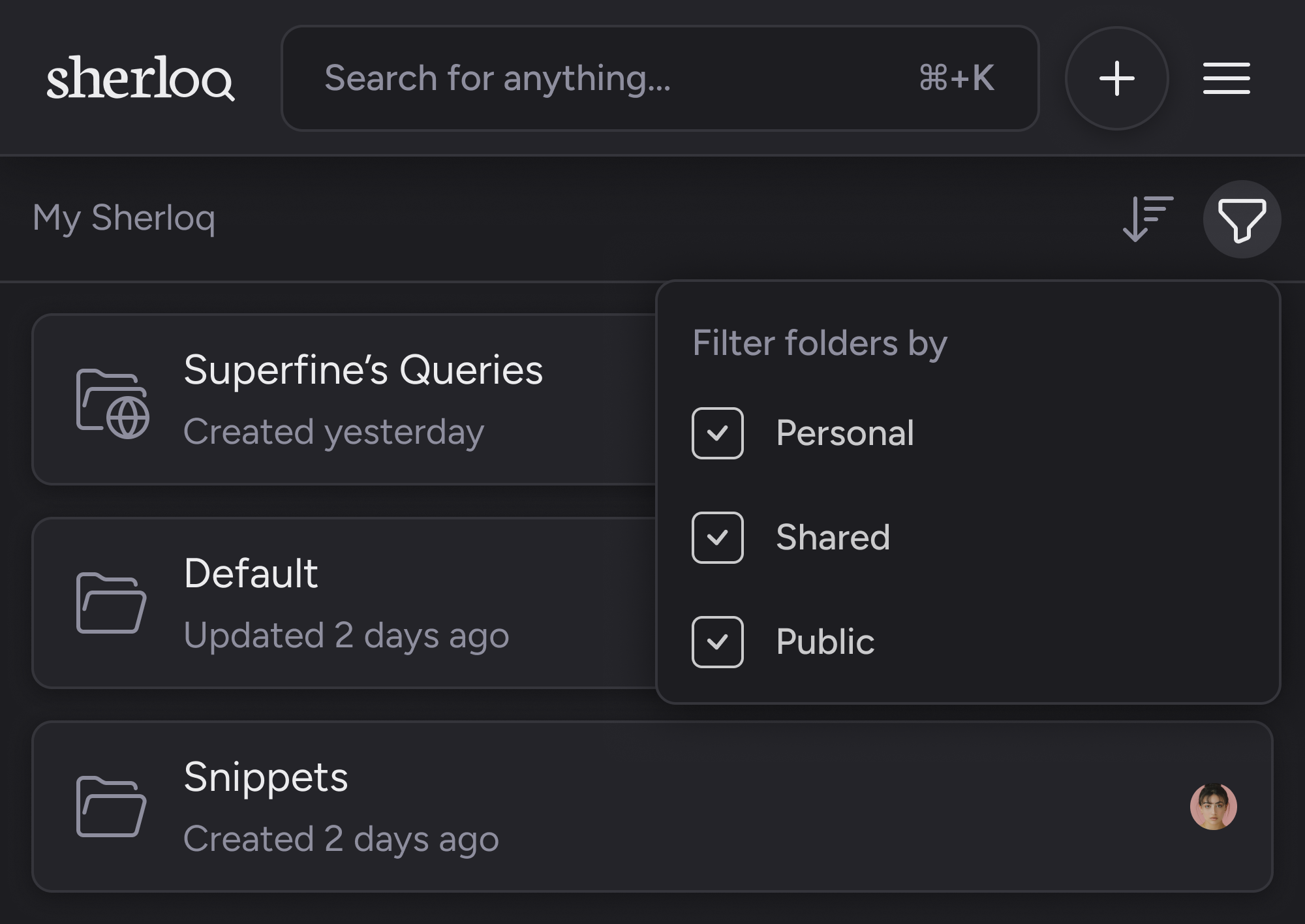
On the ‘My Sherloq’ (main) screen, you can filter and hide specific folder types using the filter icon.
## Folders Types
There are 3 types of folders:
1. **Personal**: All subfolders and queries will be visible only to you.
2. **Shared with members or teams**: Share the folder by adding specific members or teams.
3. **Public:** Anyone in your company (with the same email domain) can see this folder, including its subfolders and queries.
[Folder's permissions](/permissions) apply to all subfolders. Setting permissions for the root folder will affect all its subfolders.
For more information about team management, [see more here](/team_management)
## Folders Types Filter
On the ‘My Sherloq’ (main) screen, you can filter and hide specific folder types using the filter icon.