> ## Documentation Index
> Fetch the complete documentation index at: https://docs.sherloqdata.io/llms.txt
> Use this file to discover all available pages before exploring further.
# Formatting
In the settings, you can choose your preferred SQL dialect.
Once applied, your selected dialect and formatting will be saved accordingly.
## Formatting directly in your editor
Highlight your SQL, right-click, or use `Cmd/Ctrl + Shift + 0` to format it instantly in your editor.
## Fomratting in Sherloq
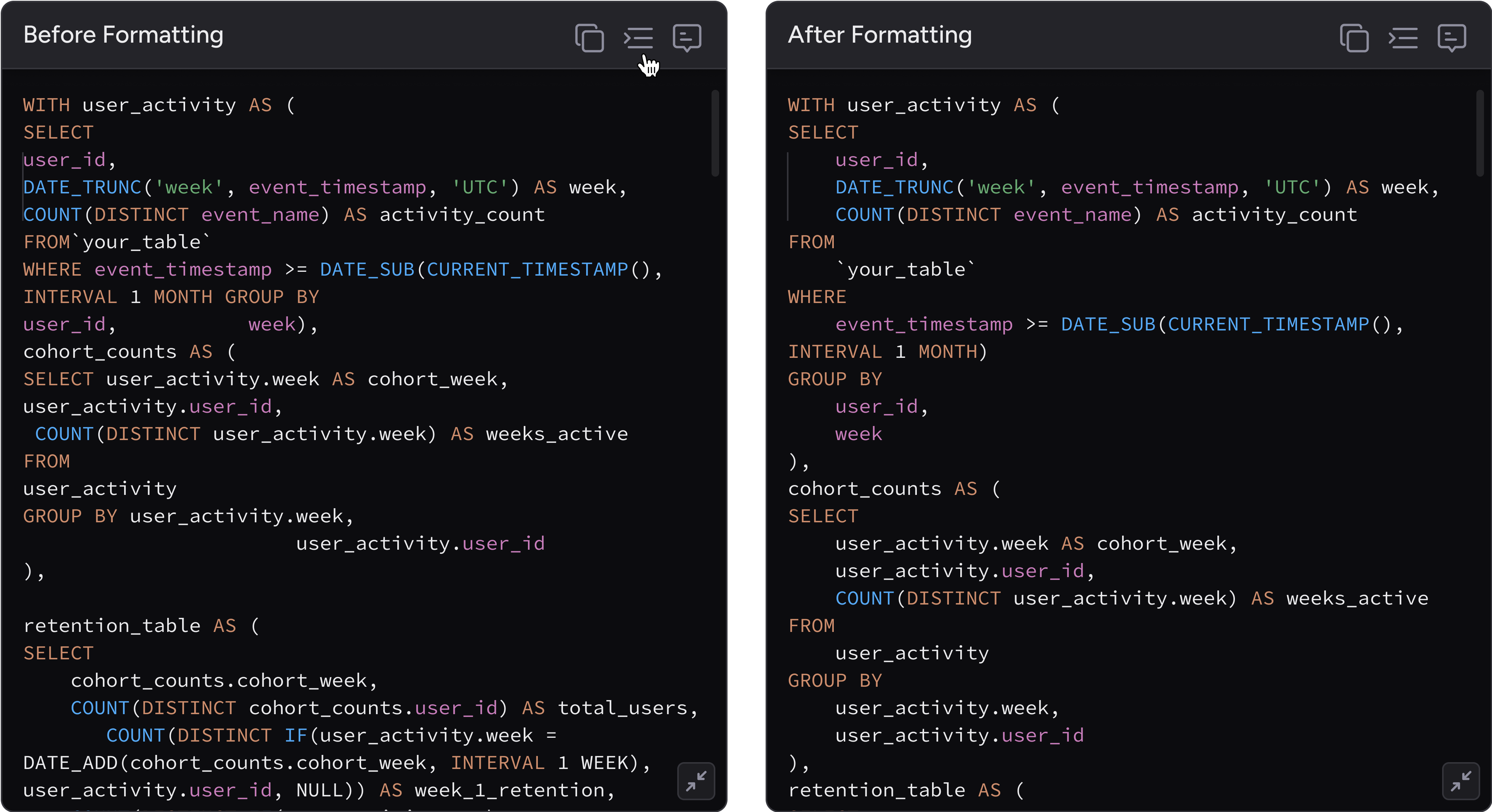
To easily read a query as you’re used to in your IDE, in the `query profile` click on the formatting button to adjust the indentation and spacing automatically.