> ## Documentation Index
> Fetch the complete documentation index at: https://docs.sherloqdata.io/llms.txt
> Use this file to discover all available pages before exploring further.
# Queries History Search
You can switch to **History Search** to find all collaborative query logs executed by your team members who have installed Sherloq.
**Common use cases include:**
* **Usage Discovery**: Identify which tables and fields are commonly used by your team.
* **Metadata Discovery**: Learn how to query specific tables or fields following common practices.
* **Backup and Easy Access**: Quickly access your previous unsaved work.
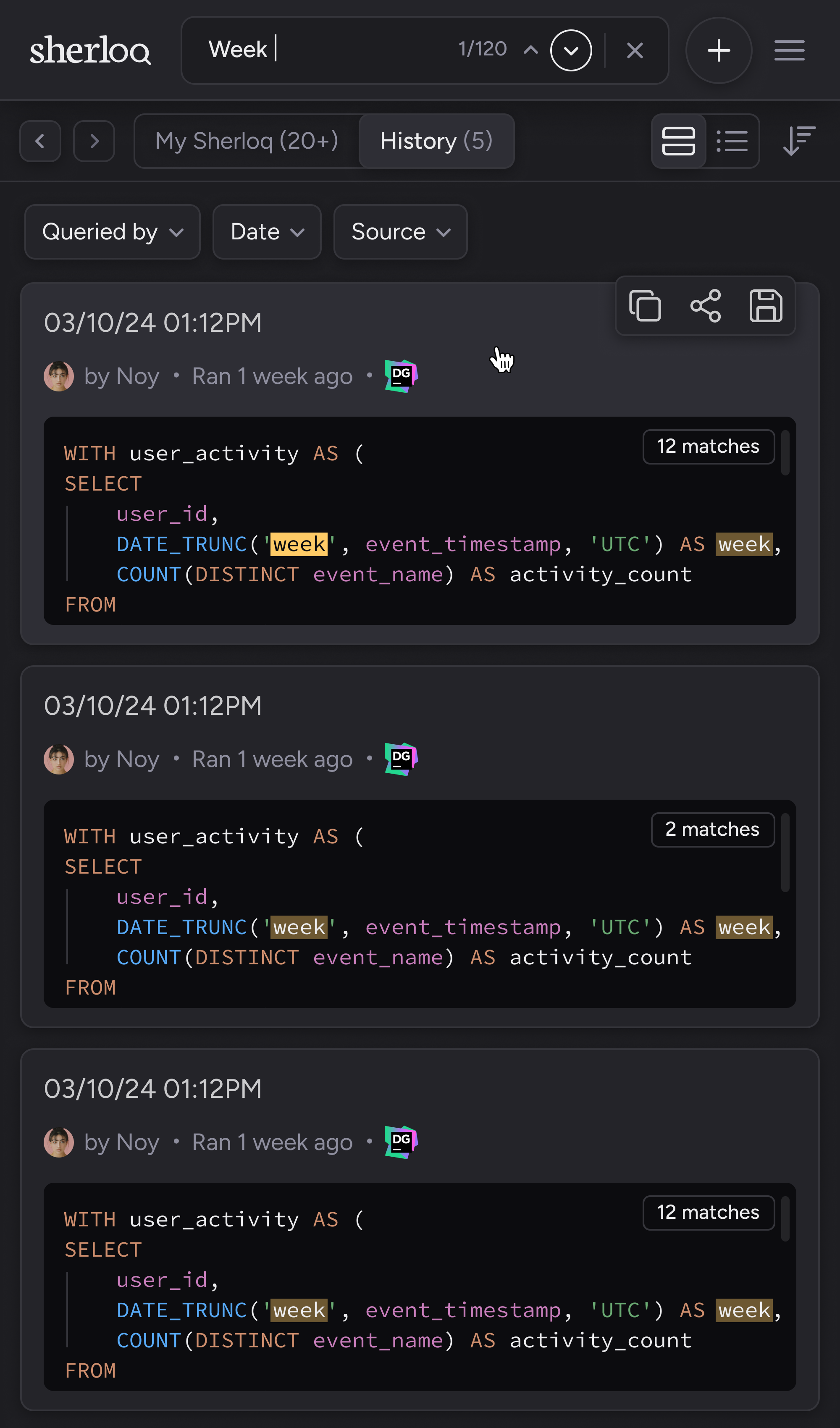 These types of queries are NOT manually saved by users in Sherloq, they are automatically saved by the plugin after each execution.
For more details on query history logs functionality, read more [here](/queryhistory).
These types of queries are NOT manually saved by users in Sherloq, they are automatically saved by the plugin after each execution.
For more details on query history logs functionality, read more [here](/queryhistory).
The results are ordered by the most recent execution time in the users' IDE.
Keywords will be highlighted to give you a quick glimpse of the relevant part of the result.
You can filter these queries by the following properties:
* **Username** – who executed the query
* **Date executed**
* **Source** – which IDE the user used to run the query