> ## Documentation Index
> Fetch the complete documentation index at: https://docs.sherloqdata.io/llms.txt
> Use this file to discover all available pages before exploring further.
# Install Chrome Extension
> In less than a minute you will create your first query.
[Download here](https://chrome.google.com/webstore/detail/sherloq-save-share-simpli/kjndilccgkemibeimjdefmjkhfddobfk)
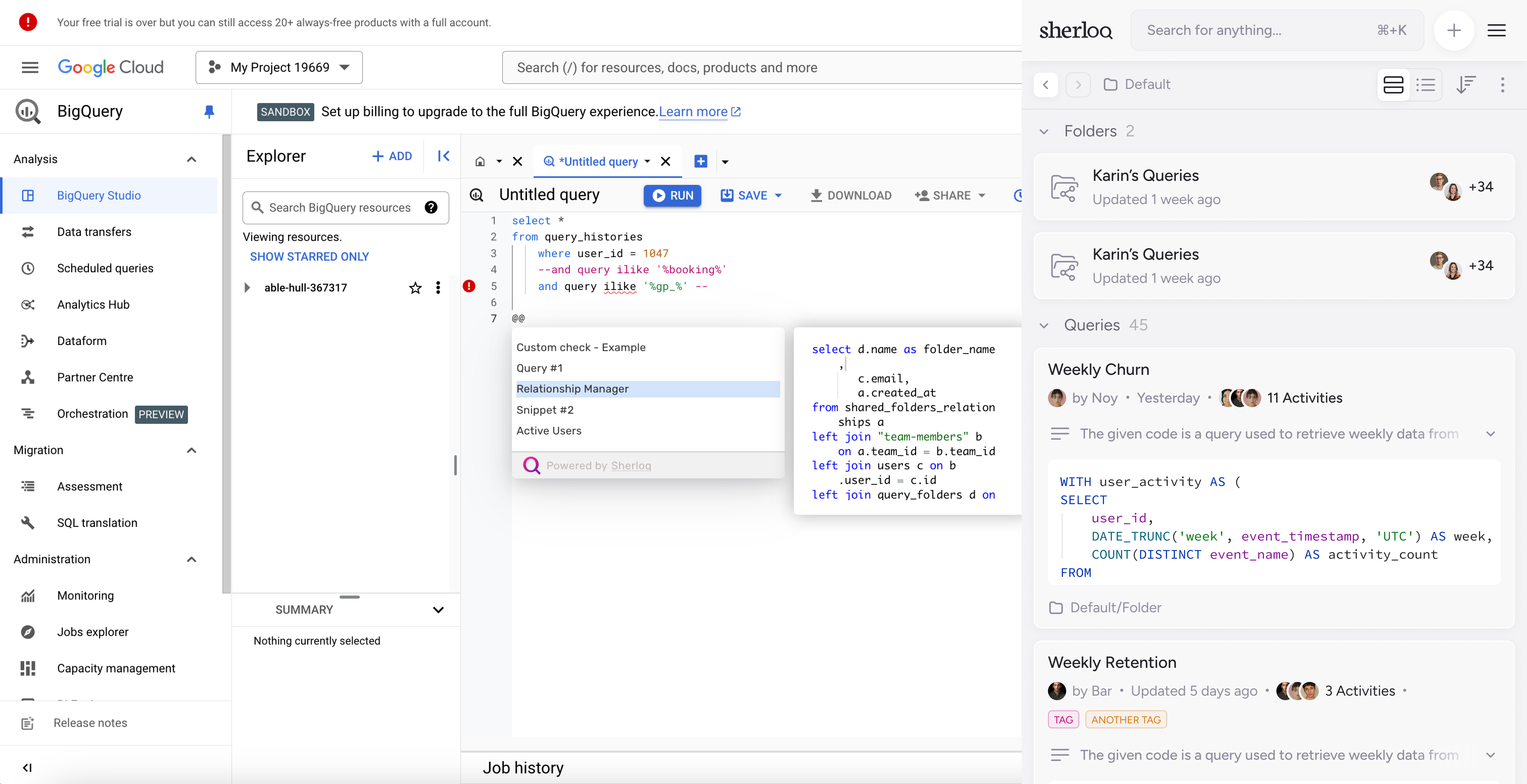
Yes, you did it! Open the plugin in your code editor to see your Sherloq workspace.
Our Sherloq Chrome extension supports cloud-based IDEs. If you have another IDE you'd like to integrate, let us know [here](https://www.sherloqdata.io/other-editor).
 ## So what now?
### Check out our [checklist](/checklist) for the first steps with Sherloq:
1. Pin the plugin to your screen. 📌
2. Import your exsiting saved SQL queries. Don't worry, we made it easy for you 😉
3. Invite team members to join your Sherloq workspace 🤝🏻
4. Create your first query 📄
5. Inset a query snippet it your IDE 🏃
## Need help with onboarding?
We can hop on a 15 mins quick call [here](https://calendly.com/noy-twerski/hello?month=2024-10) to guide you through this, don’t be shy ;)
## So what now?
### Check out our [checklist](/checklist) for the first steps with Sherloq:
1. Pin the plugin to your screen. 📌
2. Import your exsiting saved SQL queries. Don't worry, we made it easy for you 😉
3. Invite team members to join your Sherloq workspace 🤝🏻
4. Create your first query 📄
5. Inset a query snippet it your IDE 🏃
## Need help with onboarding?
We can hop on a 15 mins quick call [here](https://calendly.com/noy-twerski/hello?month=2024-10) to guide you through this, don’t be shy ;)