> ## Documentation Index
> Fetch the complete documentation index at: https://docs.sherloqdata.io/llms.txt
> Use this file to discover all available pages before exploring further.
# Share Folder
To share a folder, click on the share icon for the folder and, in the modal, select the members or teams you want to share it with.
You can also share your folder with everyone in your organization by checking the "Everyone" checkbox.
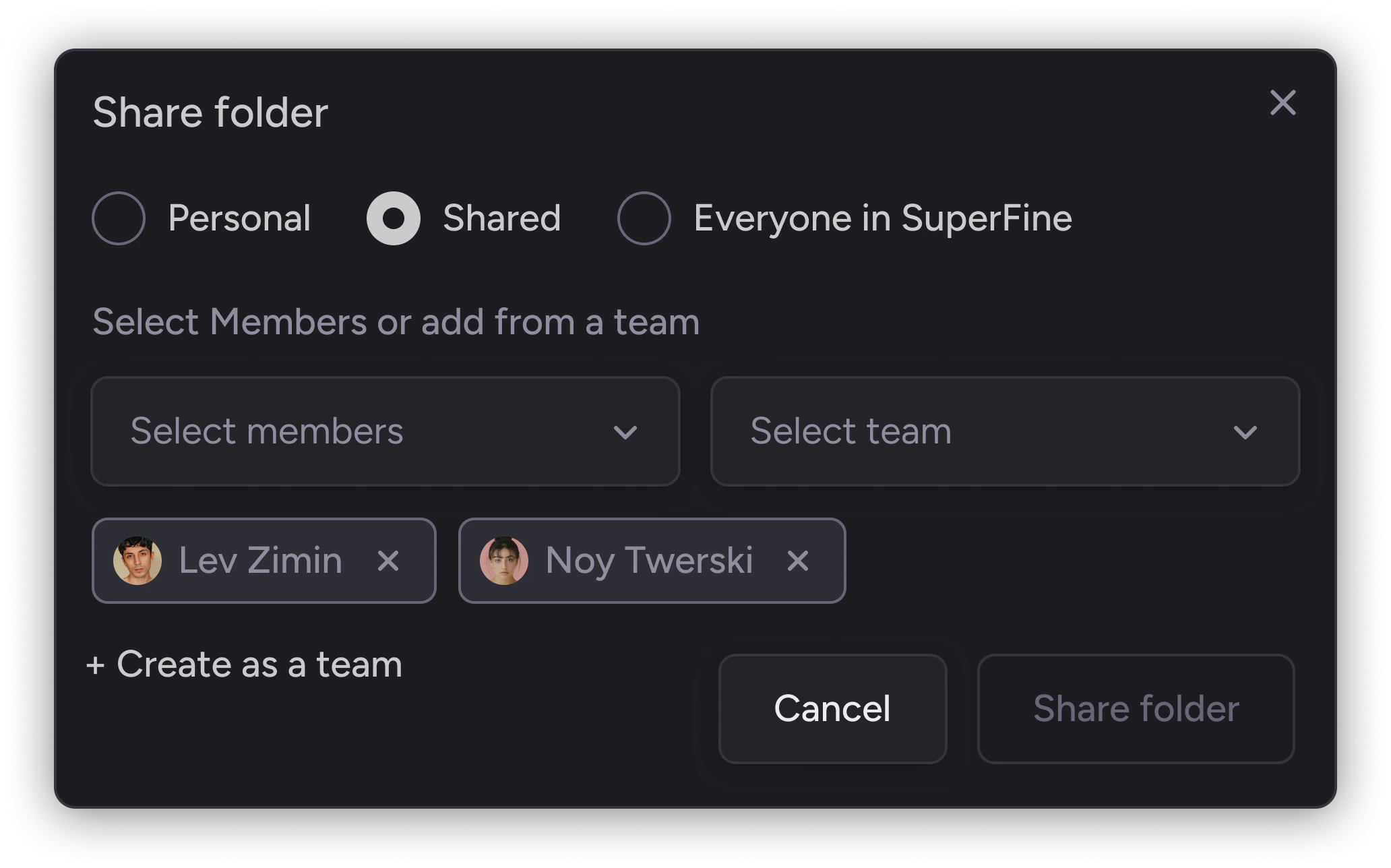 Additionally, you can share the folder by copying the link and sending it directly to your teammates. Only Sherloq users with the relevant permissions will be able to access the folder's content.
[Folder's permissions](/permissions) apply to all subfolders. Setting permissions for the root folder will affect all its subfolders.
For more information about team management, [see more here](/team_management).